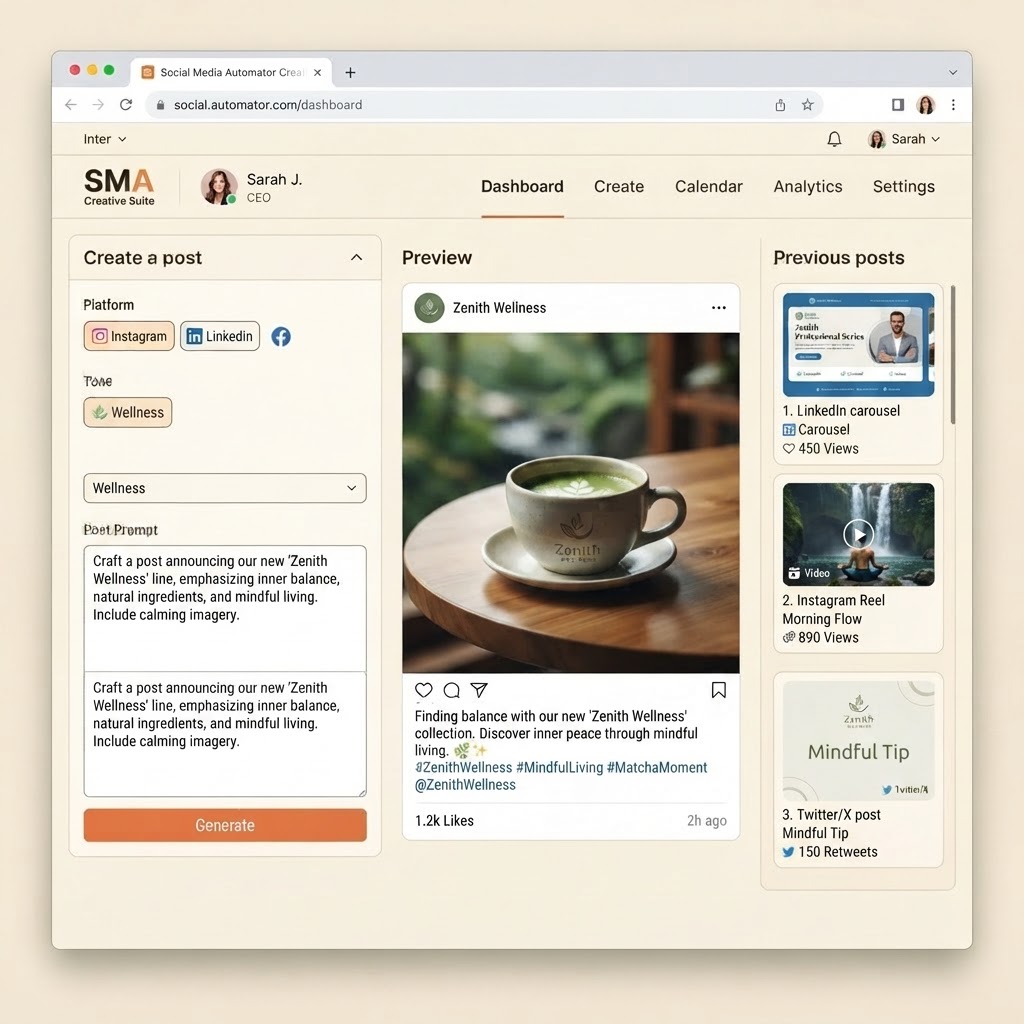
Creative Suite
Paste The URL And Start Making Branded Content.
Create polished social content yourself, without starting from a blank page.
Open Creative SuiteCreate a post
Platform
InstagramTone
Your idea
Preview
Social Media Automator
Sponsored

Plan less.
Post consistently.
socialmediaautomator Turn one idea into a week of polished, on-brand content.
Recent posts

5 content ideas
Ready to publish

Meet the team
Ready to publish

Client success story
Ready to publish
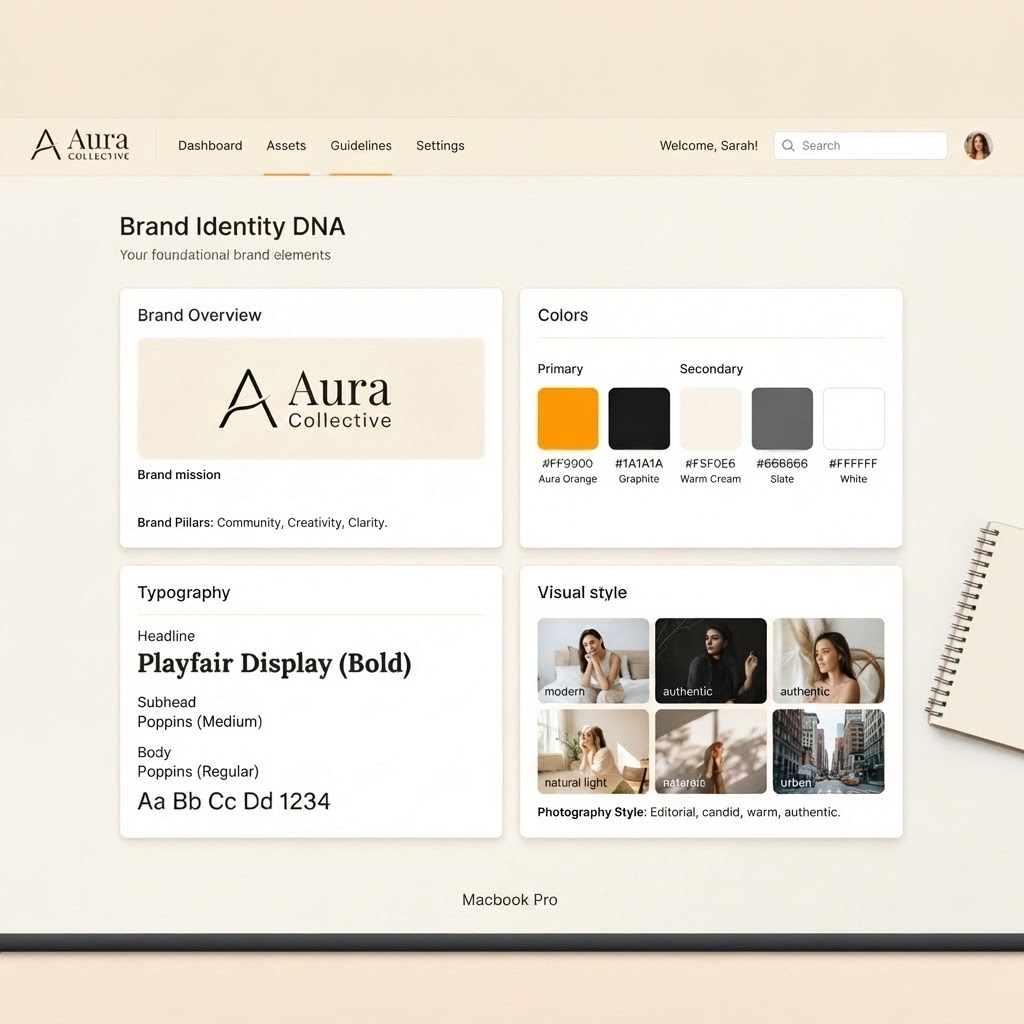
Know your brand
Start with your Brand DNA
Keep your logo, colors, voice, audience, and visual direction together. Every post starts with the details that make your business recognizable.
- Upload and use your own logo
- Keep brand colors and type consistent
- Give every caption your natural voice
Create your way
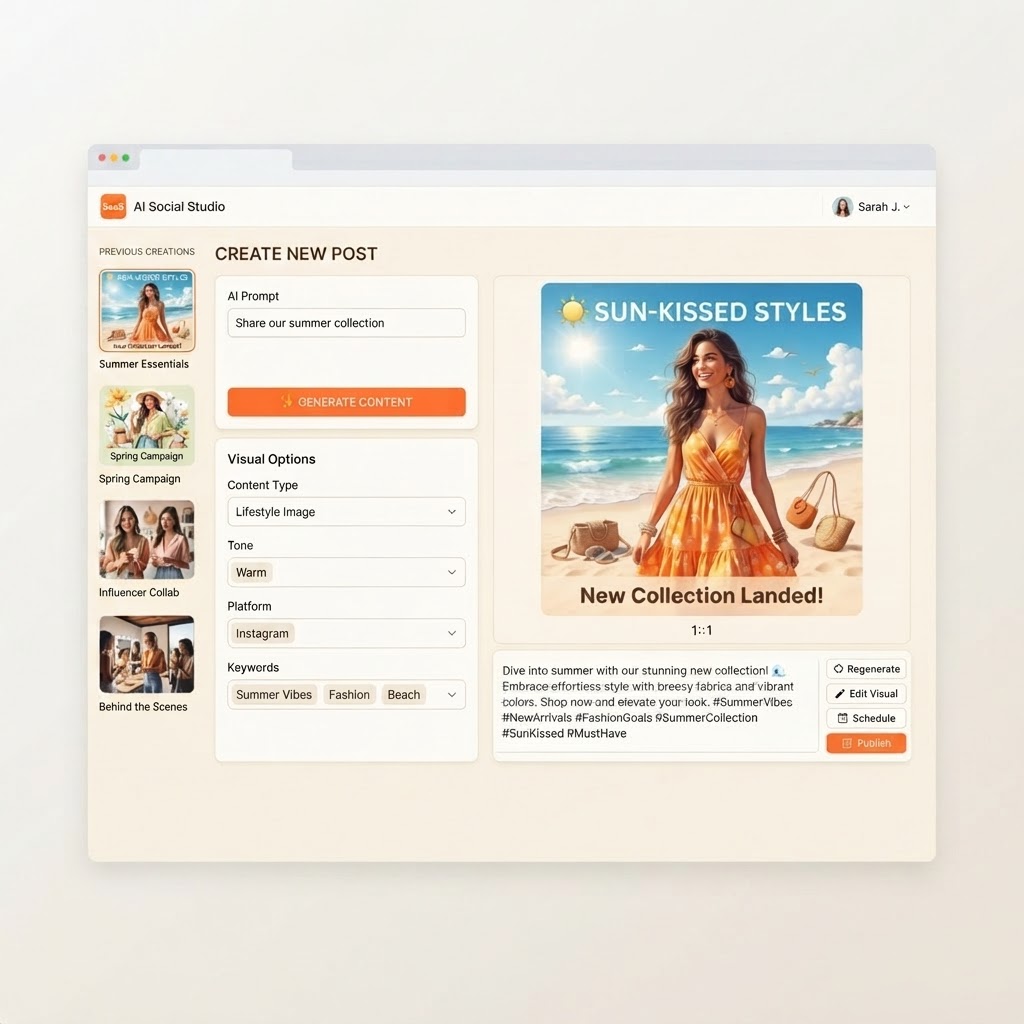
Turn an idea into a finished post
Describe what you want to share, choose your platform and tone, then create a visual and caption you can use right away.
- Create visuals and captions together
- Choose the format, tone, and goal
- See the finished post before you save it
Keep creating
Your work stays organized
Return to previous creations, compare ideas, copy captions, and download the visuals you want to publish.
- Browse your generation history
- Copy captions in one click
- Download ready-to-post visuals