
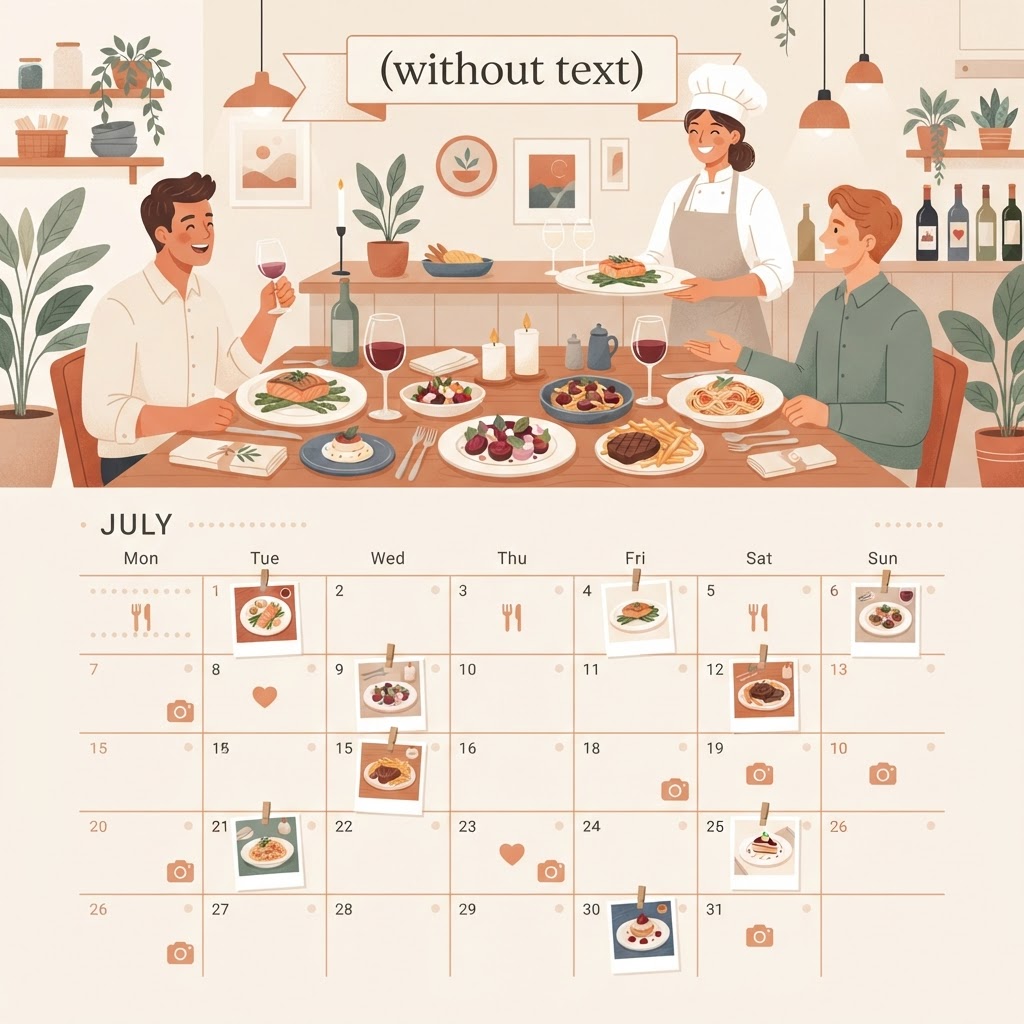
Why restaurants need a content calendar
Restaurants live and die by their local visibility, and people decide where to eat with their eyes. But when service gets busy, posting is the first thing that gets dropped. A monthly calendar — planned and created in advance — is the only reliable fix.
A simple monthly template
Week 1: a signature dish spotlight, a weekly special, and a behind-the-scenes kitchen post. Week 2: a customer review graphic, an event or promo announcement, and a staff introduction. Week 3: a seasonal menu item, a 'tag a friend' engagement post, and a reservation reminder. Week 4: a community post, a chef's tip, and a weekend special.
That's roughly 10–12 posts a month — enough to stay in feeds without overwhelming your team.
Timing and seasonal planning
Post food content when people are hungry: late morning before lunch and late afternoon before dinner decisions get made. Plan holidays and seasonal campaigns — Valentine's Day, patio season, holiday parties — at least three weeks in advance so promotions have time to build.
The approval-first shortcut
Most restaurant owners don't have time to design 12 posts a month. Social Media Automator creates your full monthly calendar — dish spotlights, specials, reviews, and reservation-driving Lead-in posts — and sends everything to you for approval before it's scheduled. Your feed stays as good as your food.